4 3. Bass: sub and mid, and the first automation
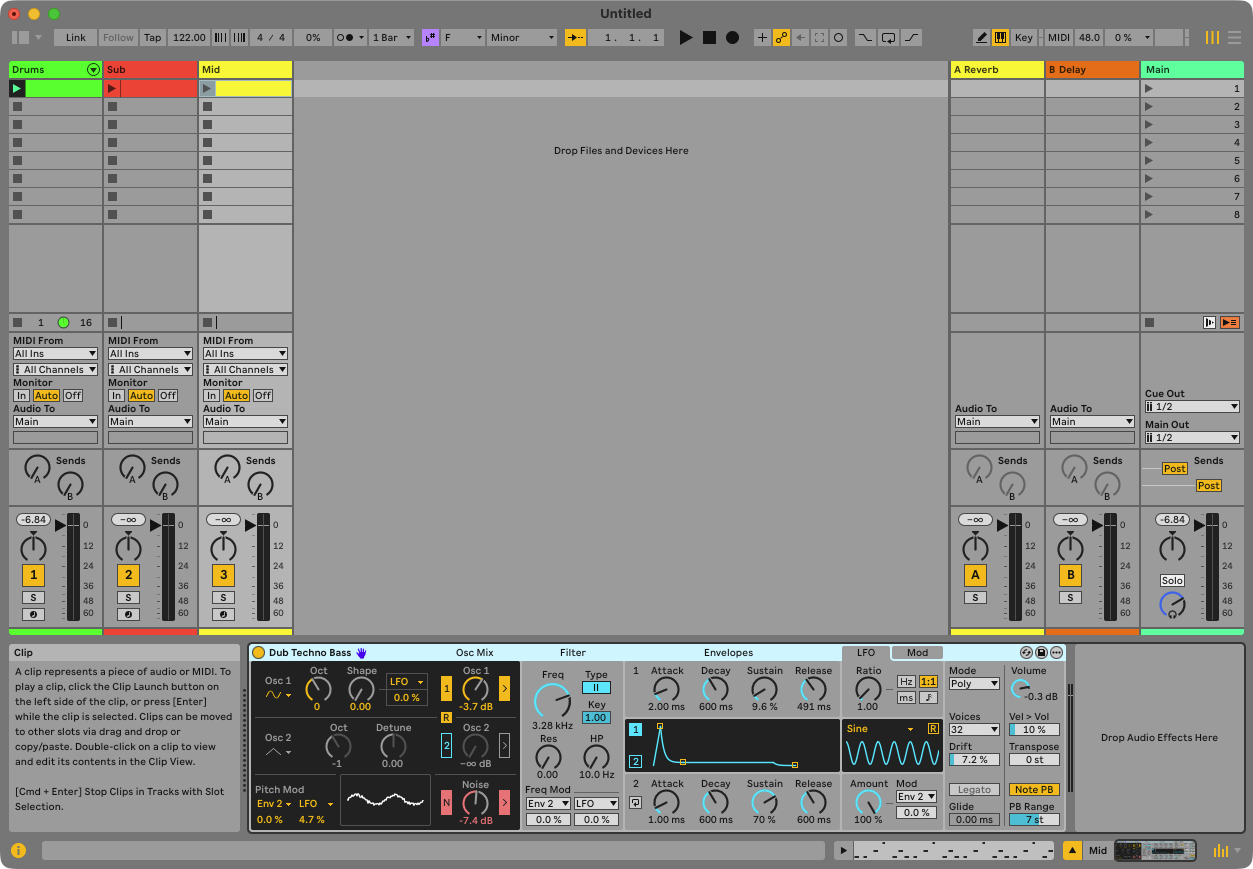
You’ll have: two bass tracks on Drift — a Sub holding the root under the kick, a Mid playing a syncopated line an octave up — named and coloured together, with the Mid’s filter opening across the four bars.
4.1 Say
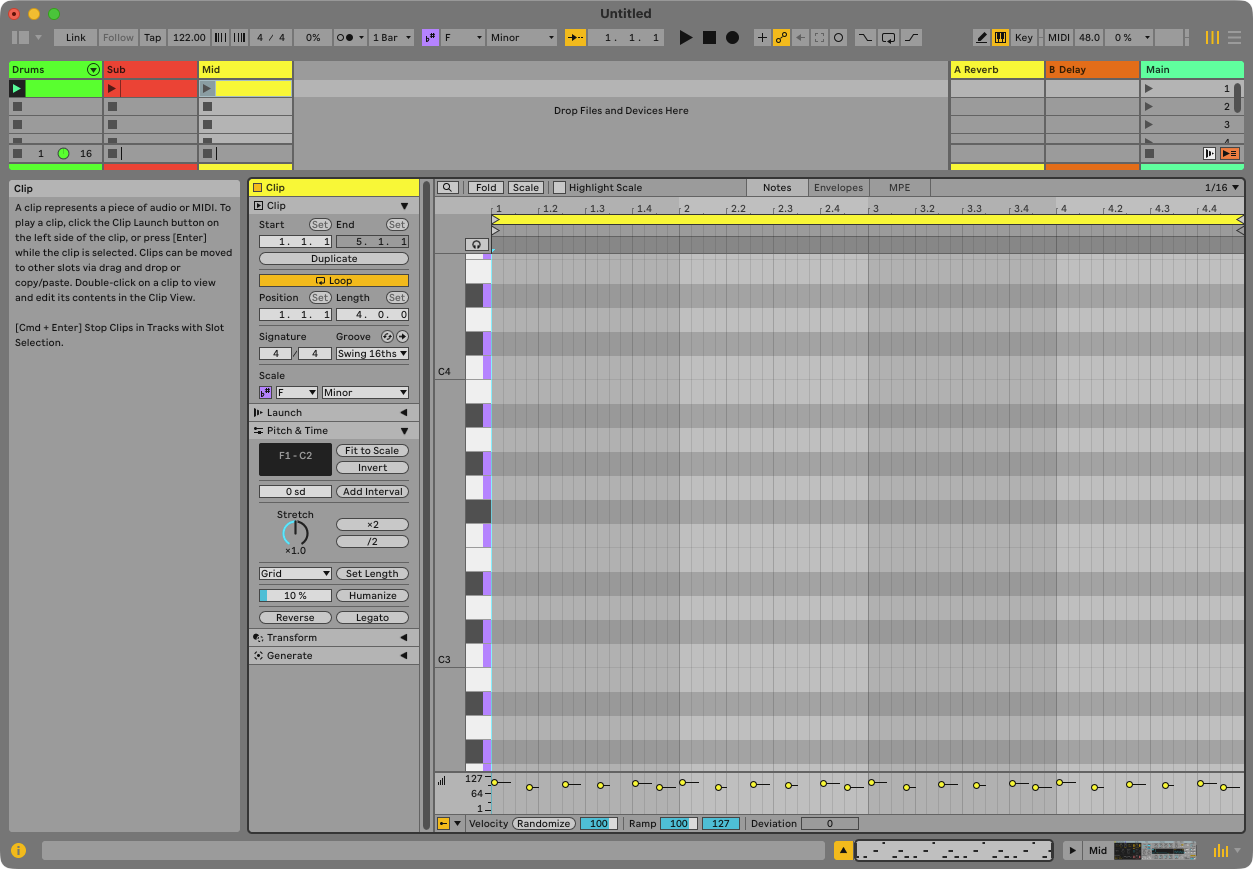
Add a Sub and a Mid bass on Drift. Sub plays F on the off-beats under the kick; Mid plays a syncopated F–Ab–C line an octave up. Name and colour both in one undo. Open the Mid’s filter over the four bars.
4.2 What Claude does
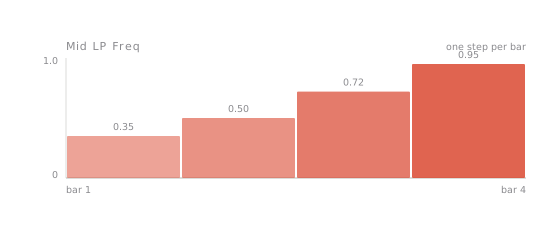
Two tracks, Drift on each, notes in each. The names and colours are written as a single undo step. Then it searches Drift’s parameters for the filter — Drift calls it LP Freq, not Cutoff — and writes four automation steps on the Mid clip: closed at the start, open by bar 4.
4.3 What you’ll see in Live
Two new tracks. Open the Mid clip and click the Envelopes tab: Drift / LP Freq / Automation with a rising staircase. Play the loop — the mid bass brightens over four bars, every time round.
4.4 Check
Press ⌘Z once: both names and both colours revert together. ⌘⇧Z to restore. Ask: “read me the automation on the Mid bass clip” — four values, rising.
Writing automation as a curve inside a clip is something the Max for Live route to Ableton cannot reach. Sideman can, because it talks to Live the way Live’s own control surfaces do. If you only remember one difference, remember this one.